






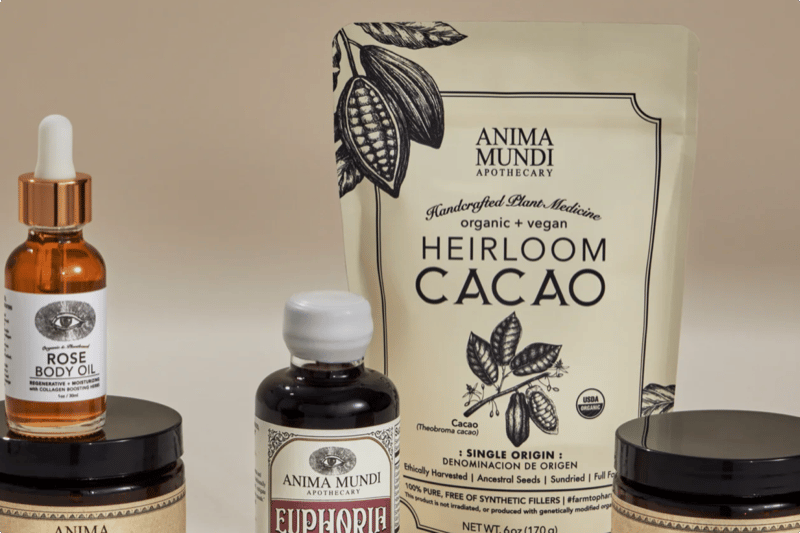
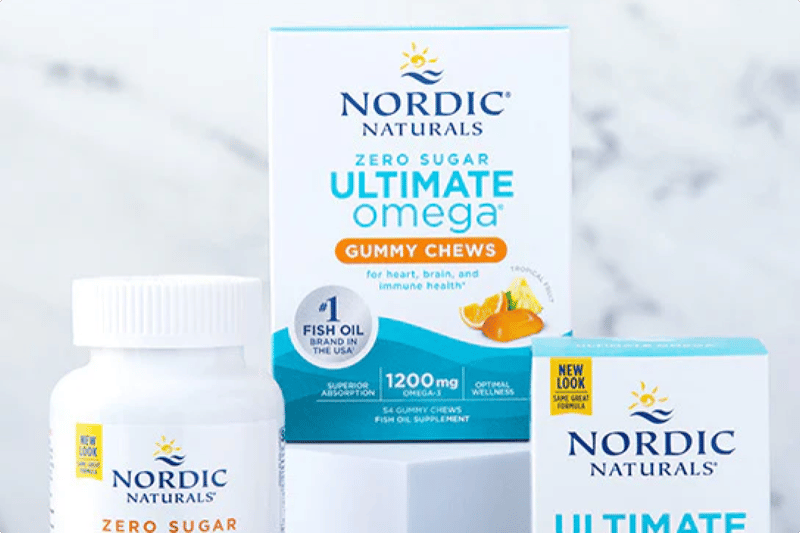
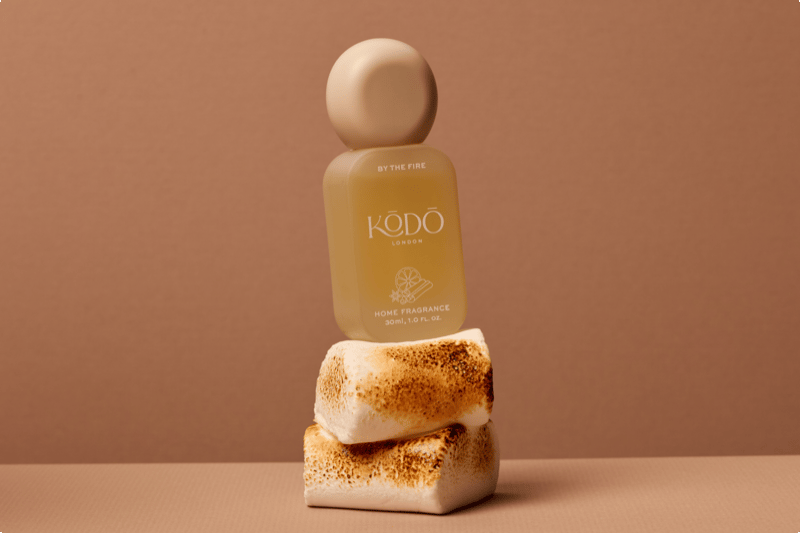



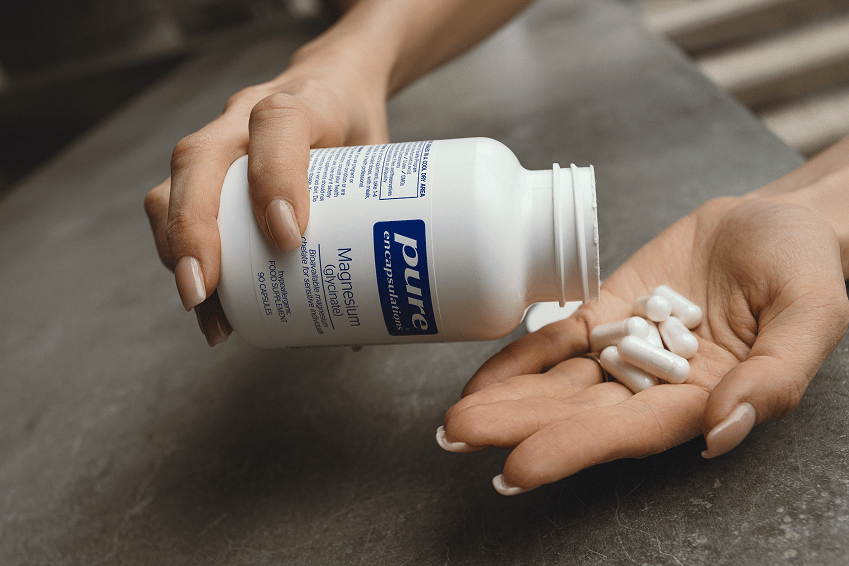


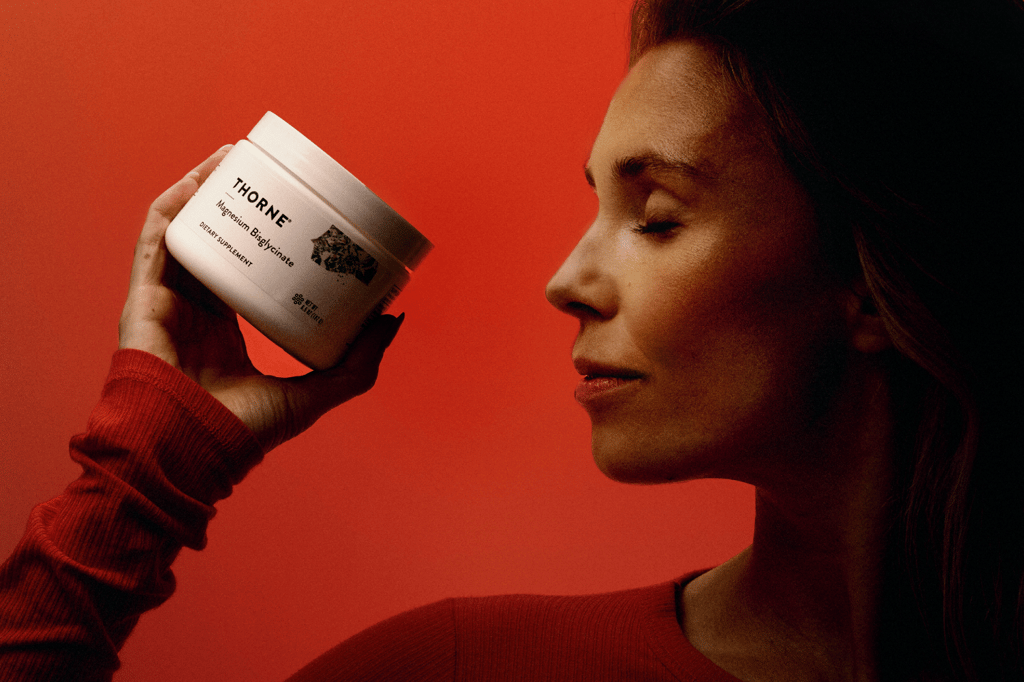
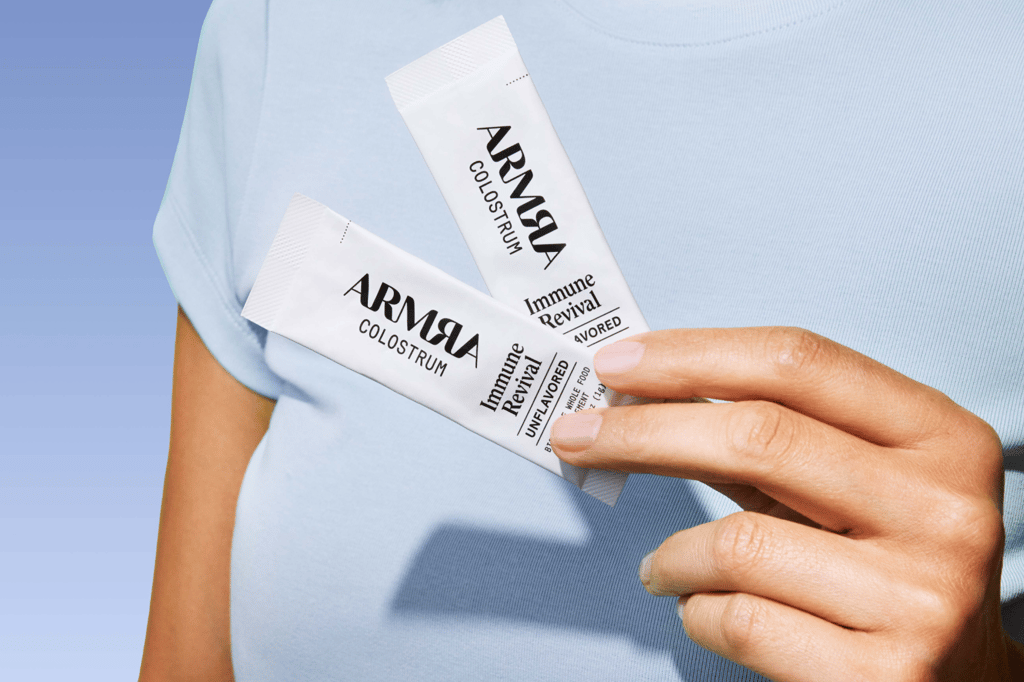



Card one
tagsrender as pills
The description is required on this block — a card without one is a tile, and tileGrid already does tiles.
Card linkBlock reference
The pinned page lead. Only ever the FIRST block: the renderer gives a leading videoHero a fixed parallax layer the page scrolls over, which is also why it's the one block a grid cell can't hold. video.desktopUrl is required — a phone gets mobileUrl or the poster, never the desktop encode. `height` picks how much of the screen it fills (full / tall = 90% / medium = 75%) and `position` is the full 3x3 grid; this one is `center-right` at `tall`, which is healf.de's masthead. A right-positioned block keeps LEFT-aligned text unless `textAlign` overrides it.
One rendered example of every block the page builder offers, generated by apps/cms/src/scripts/seed-sink-page.ts. Editing this page by hand is pointless — the next run overwrites it.
Each heading names the block's slug and the settings used to compose it, so you can find the same values in the admin. Where a setting changes the layout enough to matter, the variants appear next to each other: tileGrid three ways, grid two ways, pillList two ways.
This block is richText — a Lexical field with no settings at all. It renders as a centred reading column.

Block reference
Tall renders the background at its natural height with the title centred over it; the scrim darkens the photo and forces white text so any image stays legible.
Block reference
01 variant: left02 size: standard03 metaItems replace the description
Healf Expert
The live curation-expert header. Pills sit BETWEEN the name and this paragraph, the column narrows to 660px and centres, and unlike every other hero the description still prints alongside the meta items. Everything else about the block is unchanged — it is the same hero, wearing its third shape.
Above: grid — columns: 2, holding two collectionCard children. This is the homepage's pattern, used twice there. The grid owns layout, the children own content; children render 'nested', dropping their own page gutters so they fill the cell instead of re-containing themselves.
Above: grid — columns: 4, theme: dark, holding four collectionCard children. The /pages/brands wall is this exact shape with twenty-six of them. collectionCard is the only block that exists solely to live in a grid — it's absent from the top-level block list, so a grid is the only place you can reach it.
Nothing on the image; label and optional description sit below it. The expert grid on /pages/curation is this. Setting `number` switches the heading to the small-index treatment you see to the left.

Rose Ferguson
description renders under the label

Tara Swart

Jamie Clements

Matt Maruca
Near-square image with the label top-left and chevron bottom-right, then the caption and a pill button below it. The button only appears when a tile sets ctaLabel — the other two styles ignore that field. These are the Zone/Source/Curation cards on /pages/about-us.
Block reference
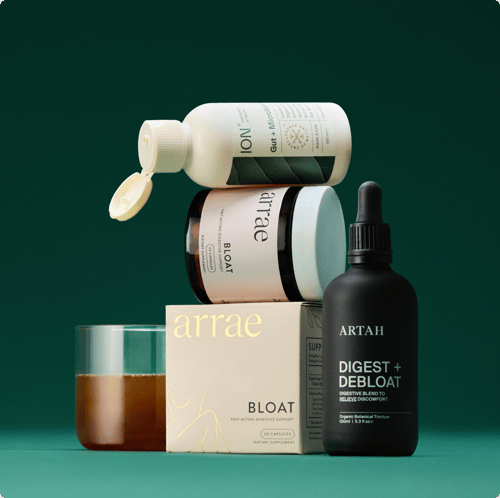
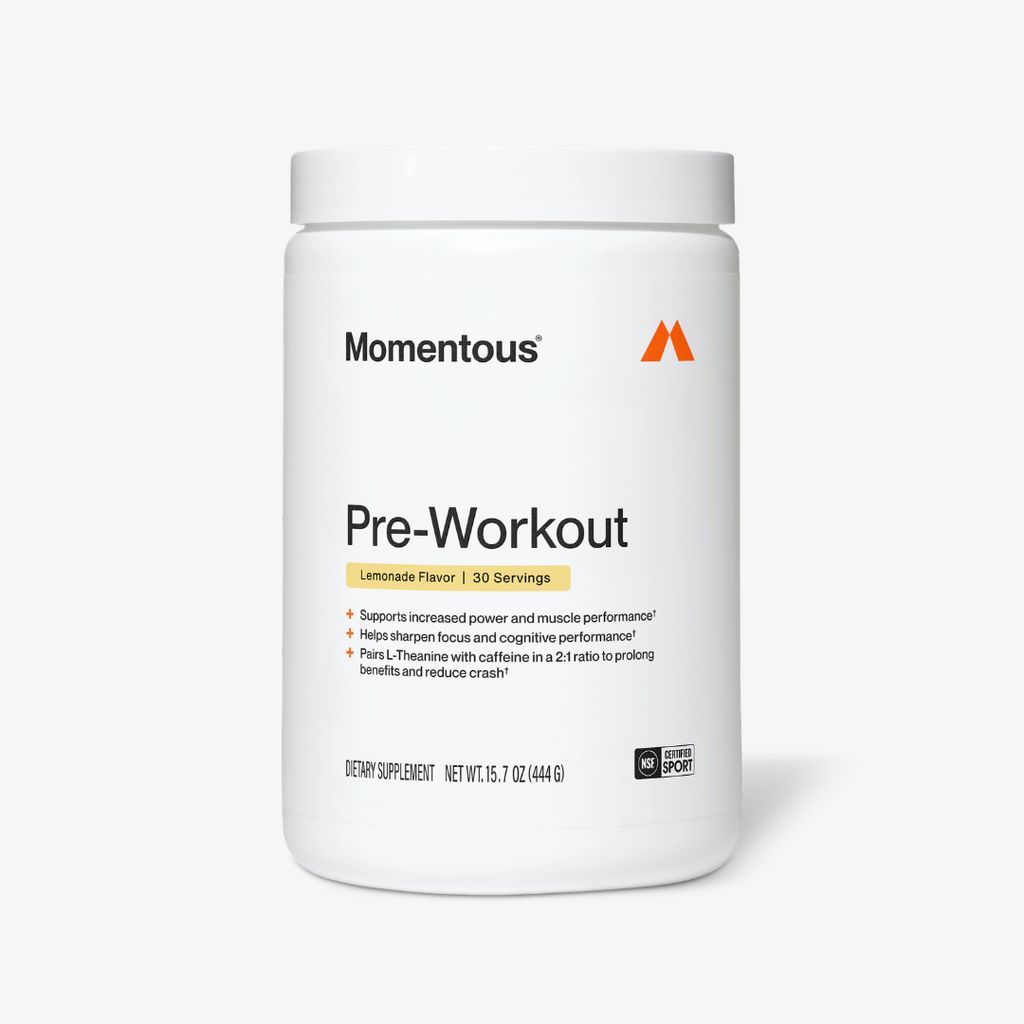
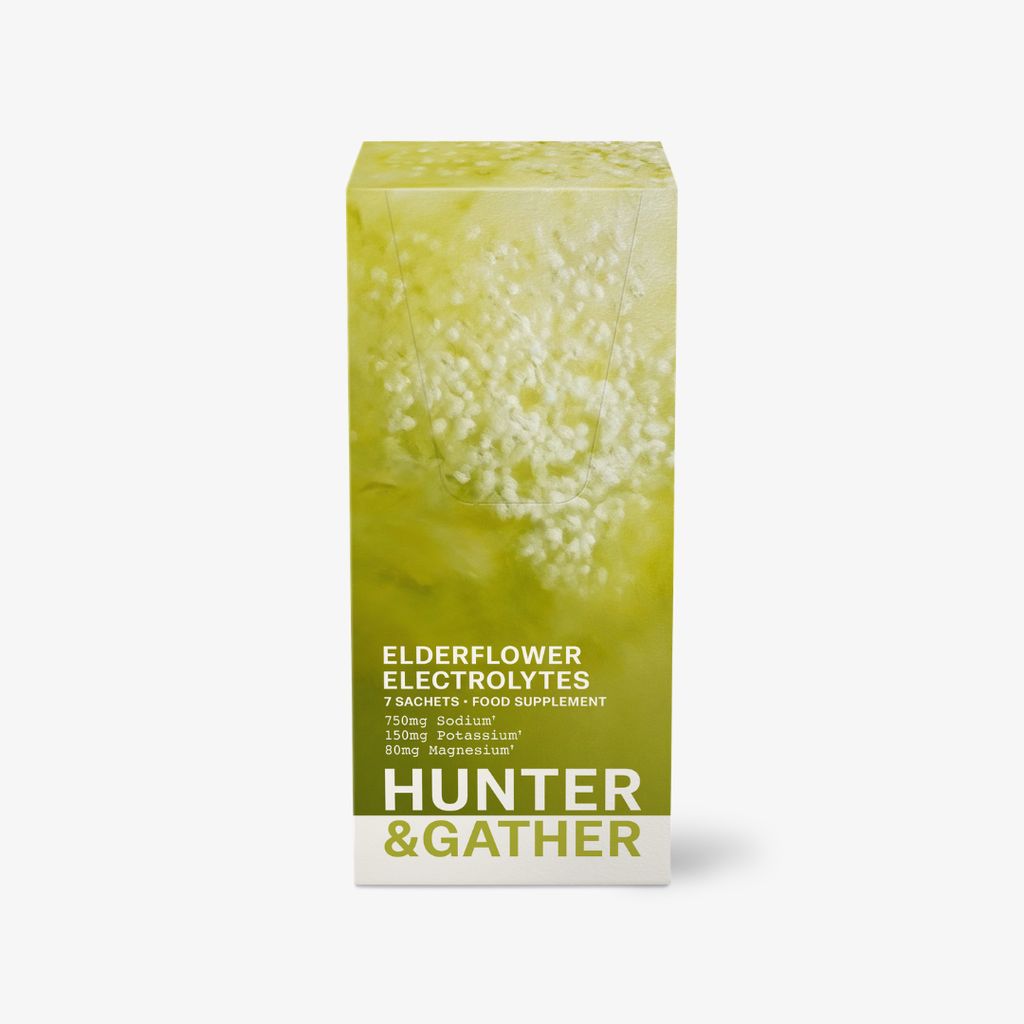
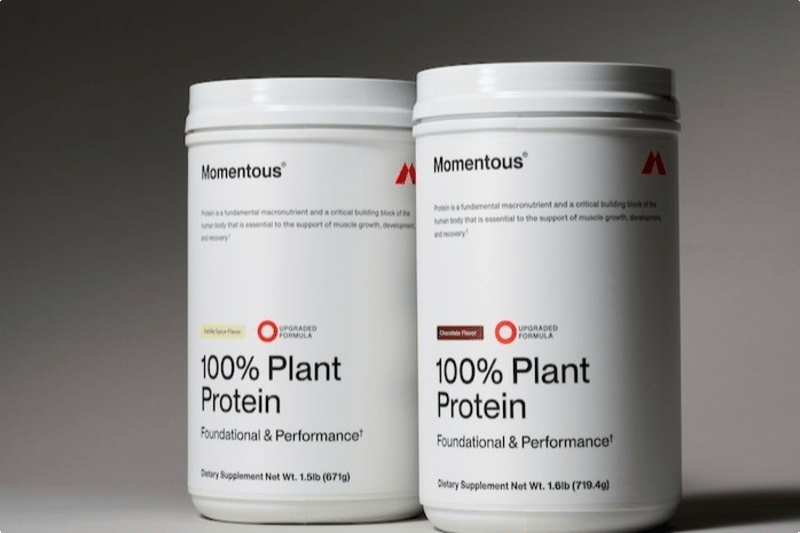
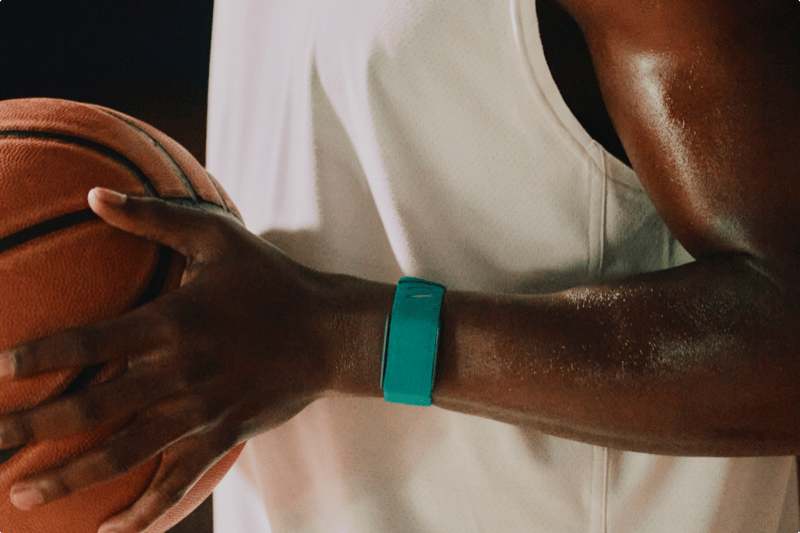
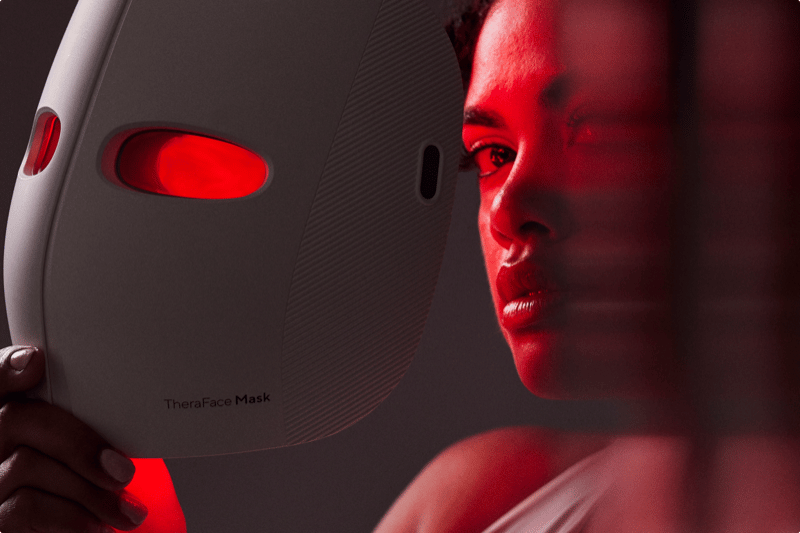
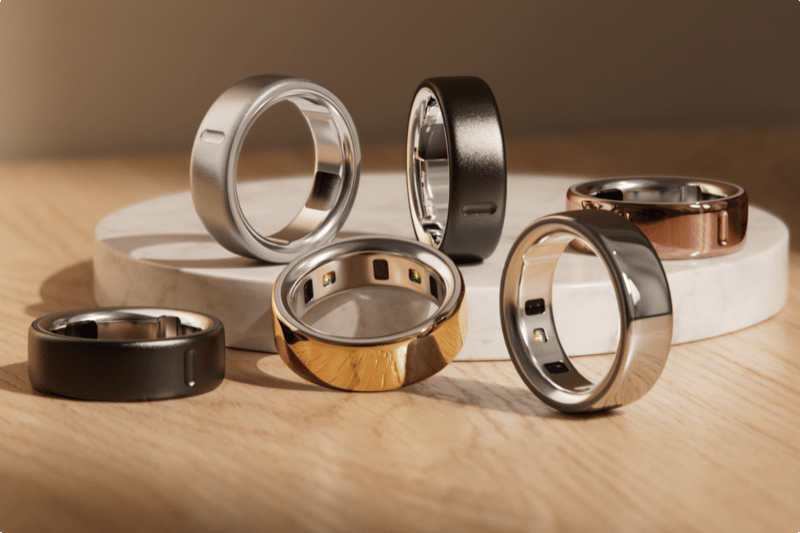
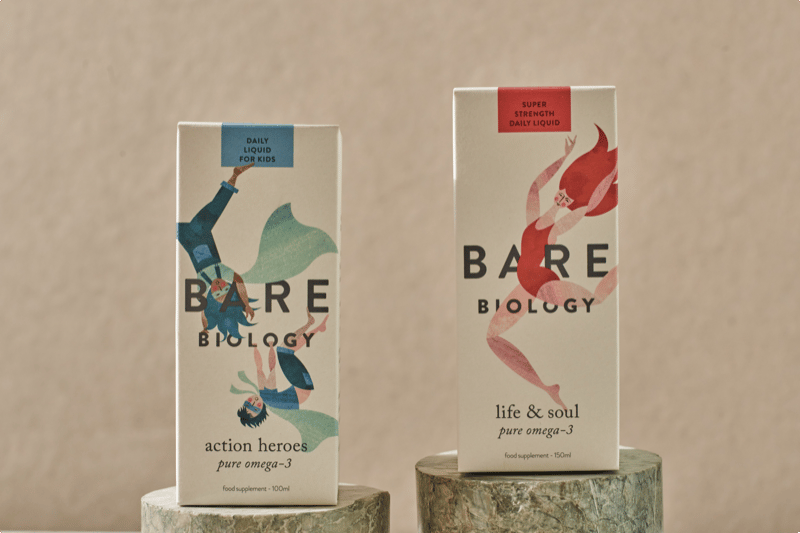
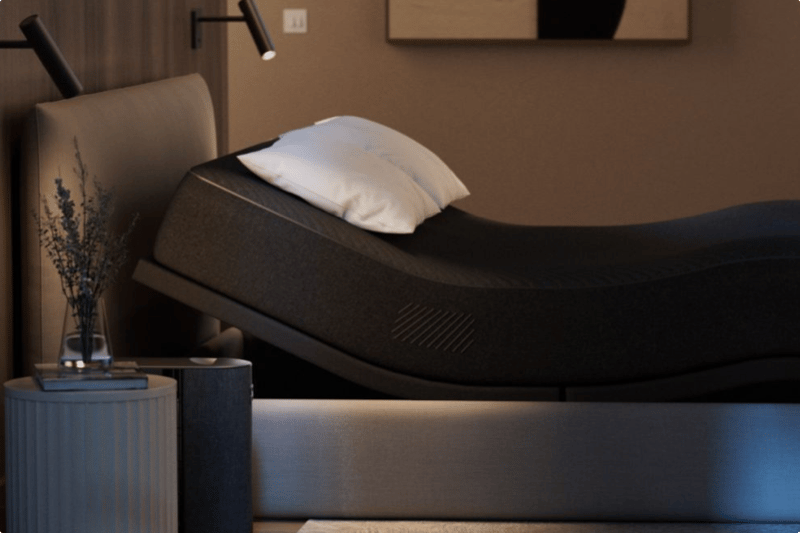
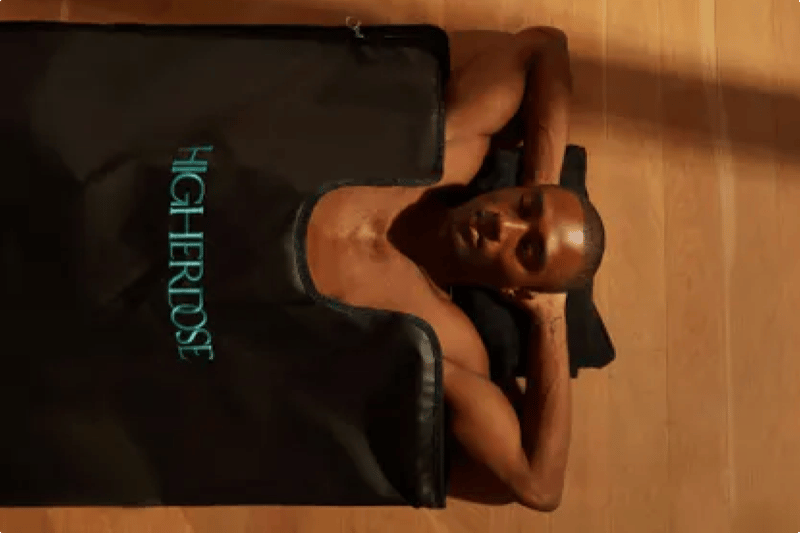
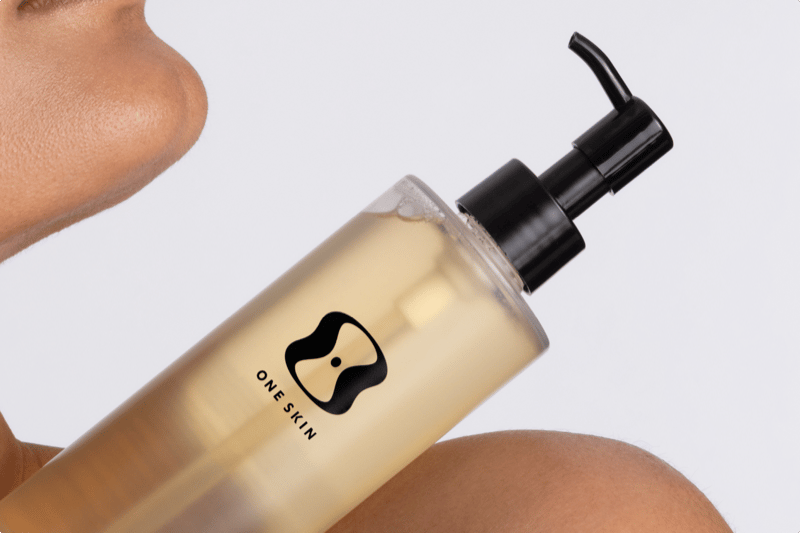
An editorial card set: each card takes an image, a title, a tag row and a required description. Unlike tileGrid the cards are content-shaped rather than a photo wall, and each carries its own link CTA.
The description is required on this block — a card without one is a tile, and tileGrid already does tiles.
Card link
Cards keep their aspect ratio across breakpoints.

Three is the usual count; the grid reflows to two-up then one-up as the viewport narrows.
A horizontally scrolling row. Overlay uses a square image with the title on top of it; the sibling setting `caption` gives a 2:3 image with title and description below instead.
“Dots auto-rotate; the `tabs` setting instead renders a manual tab row using each slide's tabLabel.”
“Slides carry an image, a category, a name and role, the quote itself and an optional description and CTA.”
Rose Ferguson
“With autoplay off, dots become manual paging — the two settings are independent.”
Tara Swart
The heading sticks while the cards scroll past it. Tall gives each item a numbered 2:3 image with title and description below; `horizontal` instead lays each item out image-left, text-right.
Block reference
`number` is per item, so the sequence is yours to set.
An item with an href becomes a link.
The heading stays put until the last card clears it.
Media is optional per item, which is the difference from cardGrid: steps are a sequence, so they read fine as text alone.
Items render in order with their index shown.

An image per step is optional.
This step has no media at all — the row still balances.
The layout live uses for the curation experts' non-negotiables band. Numbering is dropped on purpose: at 2-4 columns the items are a SET, not a sequence, so an ordinal would assert an order that isn't there. One column on phones, two from md, the full count from lg.
Item headings step up to 24px here.
No weight utility — live computes 400.
Media is optional in this variant too.

This one has an image, to show the row still aligns.
Rated 4.8 (Excellent) based on 15,000+ reviews on Trustpilot
Reviewer name
Reviews scroll as a marquee
The card strip duplicates itself so the loop is seamless, and pauses on hover. With bgImage set the cards go glassy over the photo; without it they sit on the theme surface.
Second reviewer
The rating line is three-tiered
Live per-market Trustpilot score first, then this block's ratingText, then the legacy static line from Reviewee — so a market never shows another market's numbers.
Reviewer name
Reviews scroll as a marquee
The card strip duplicates itself so the loop is seamless, and pauses on hover. With bgImage set the cards go glassy over the photo; without it they sit on the theme surface.
Second reviewer
The rating line is three-tiered
Live per-market Trustpilot score first, then this block's ratingText, then the legacy static line from Reviewee — so a market never shows another market's numbers.
Block reference
A single full-width promotional band. Unticking `enabled` hides it without deleting it, which is how a campaign is parked between runs.
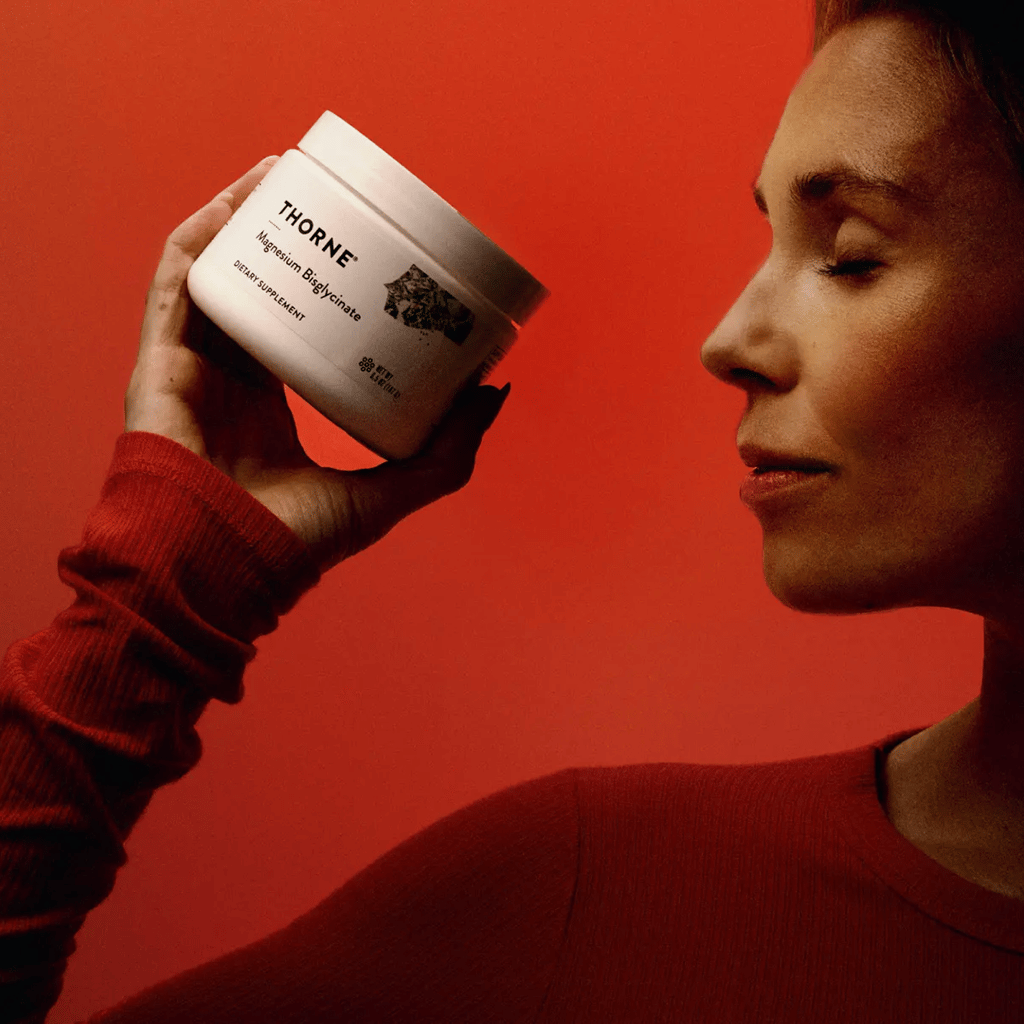
A media half beside a numbered display heading and body copy, sitting directly on the section surface with no card. The editorial sibling of collectionSpotlight, which puts its text on a cream card and can append a product row.
Blank lines in the body become separate paragraphs, as here. Because this block has TWO media entries it renders as a fading carousel with prev/next arrows — a single entry renders a static image instead.
Value and label per entry, nothing else. Deliberately text-only: it's a rhythm break between two image-heavy bands.
“Named picks with a quote in the expert's own voice, beside a portrait. Unlike productGrid this is per-product editorial, so the panel steps through them one at a time — scroll the row or use the dots.”
“Leave the title blank and the product's own name is used. The price and buy button track whichever pick is showing.”
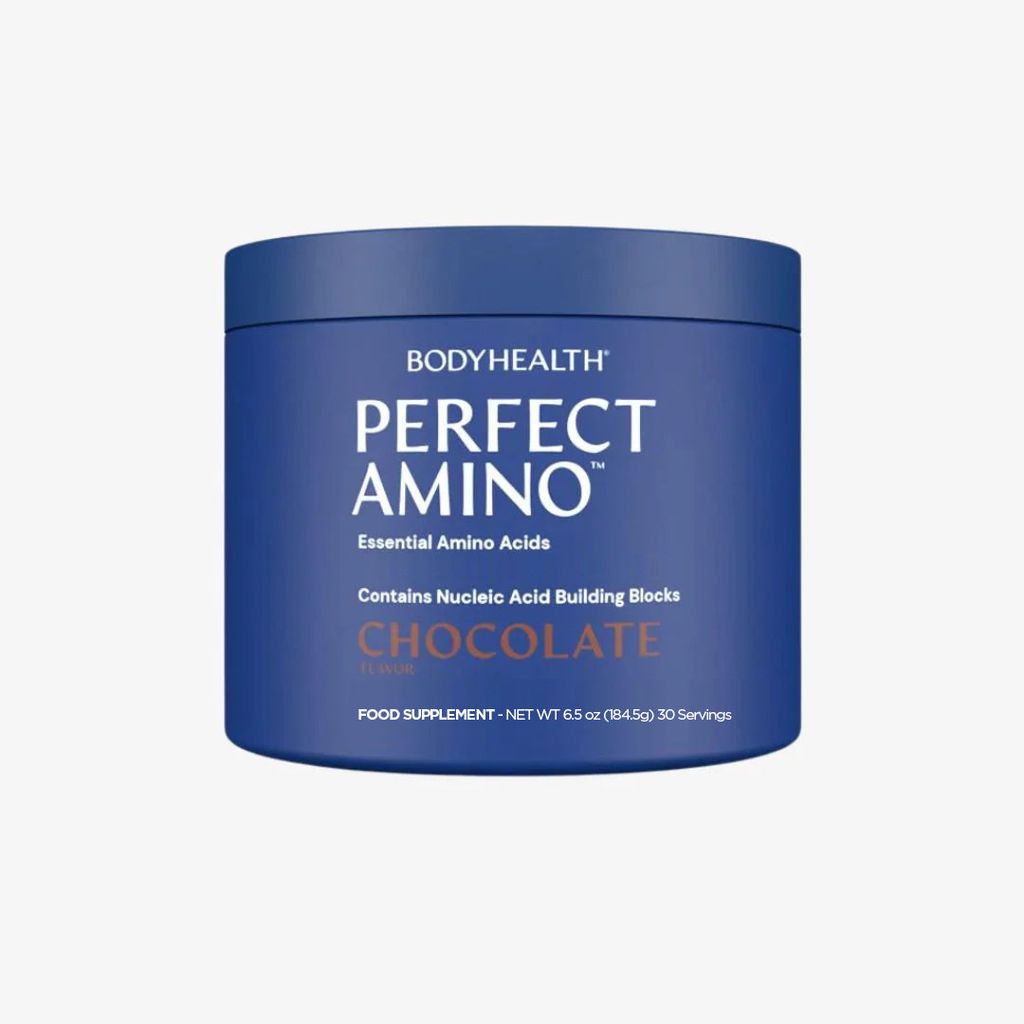


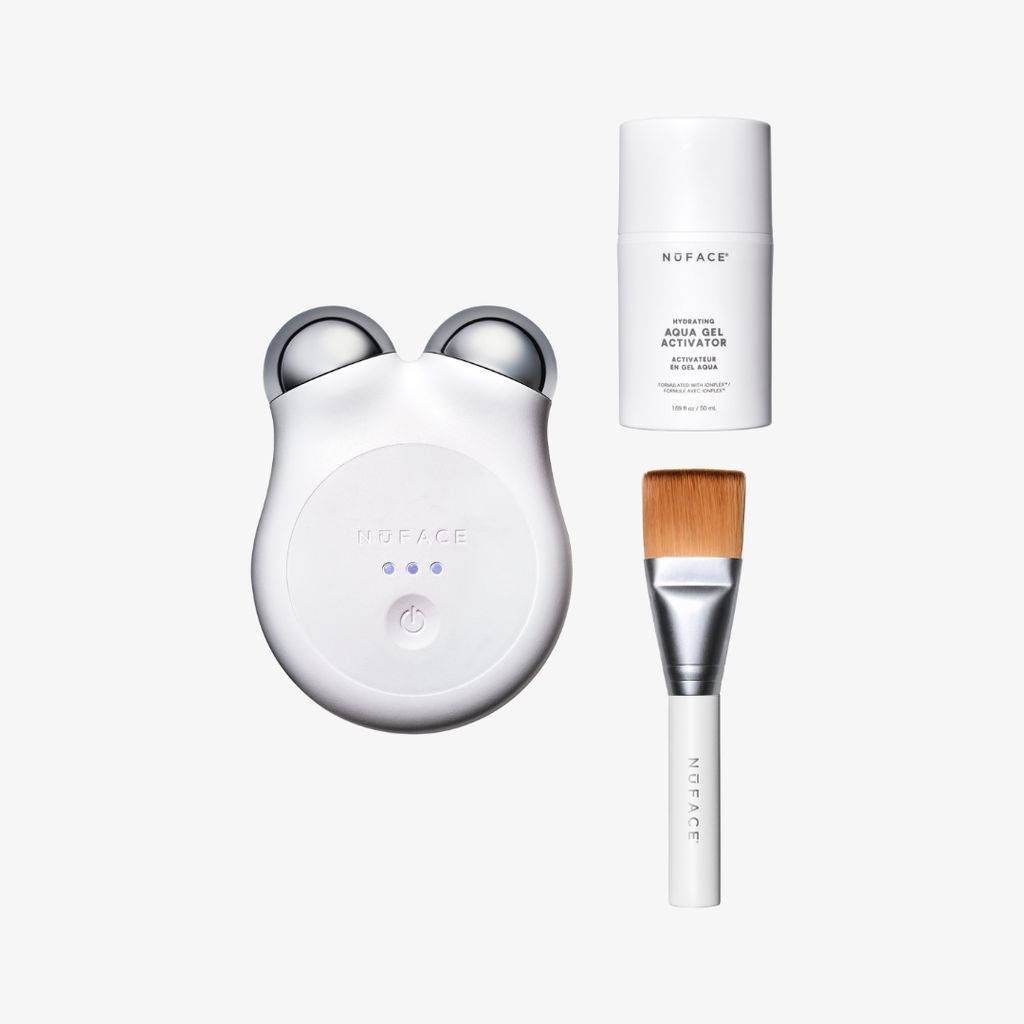
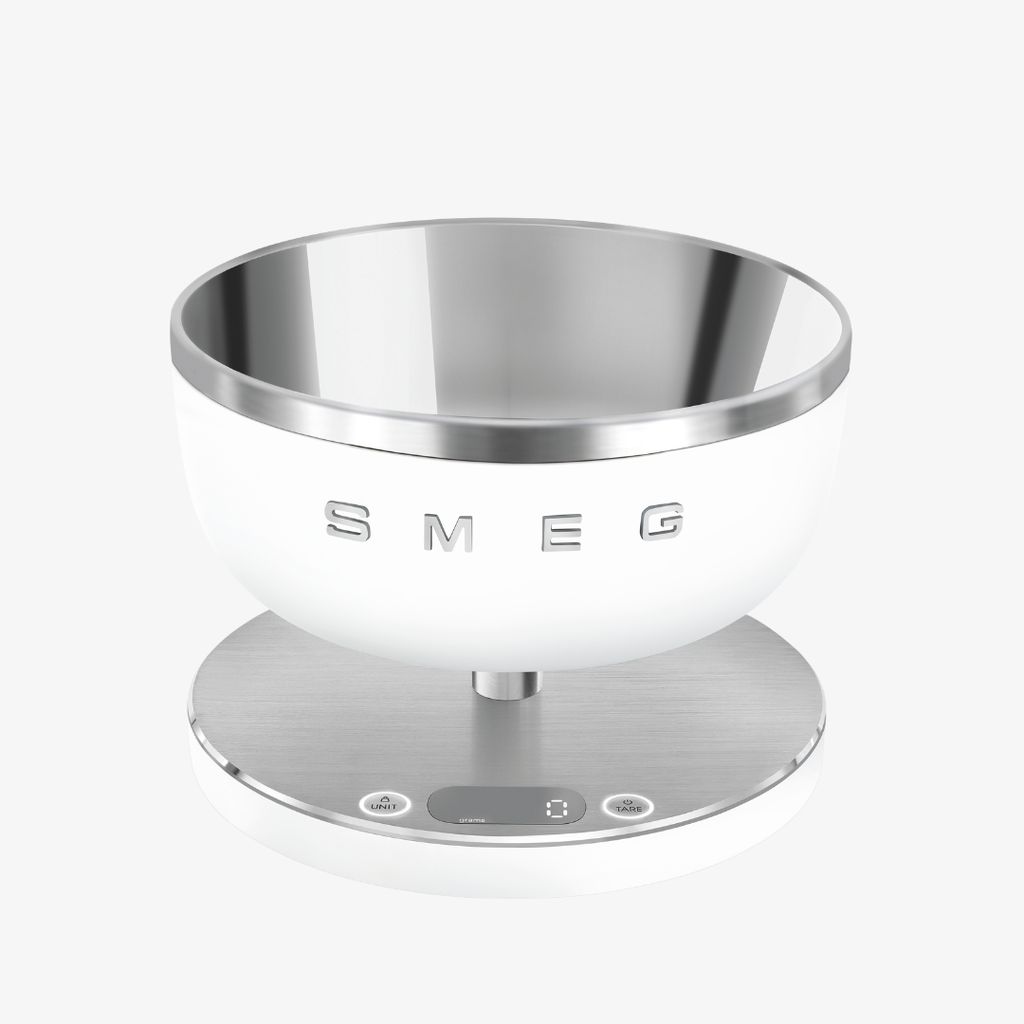
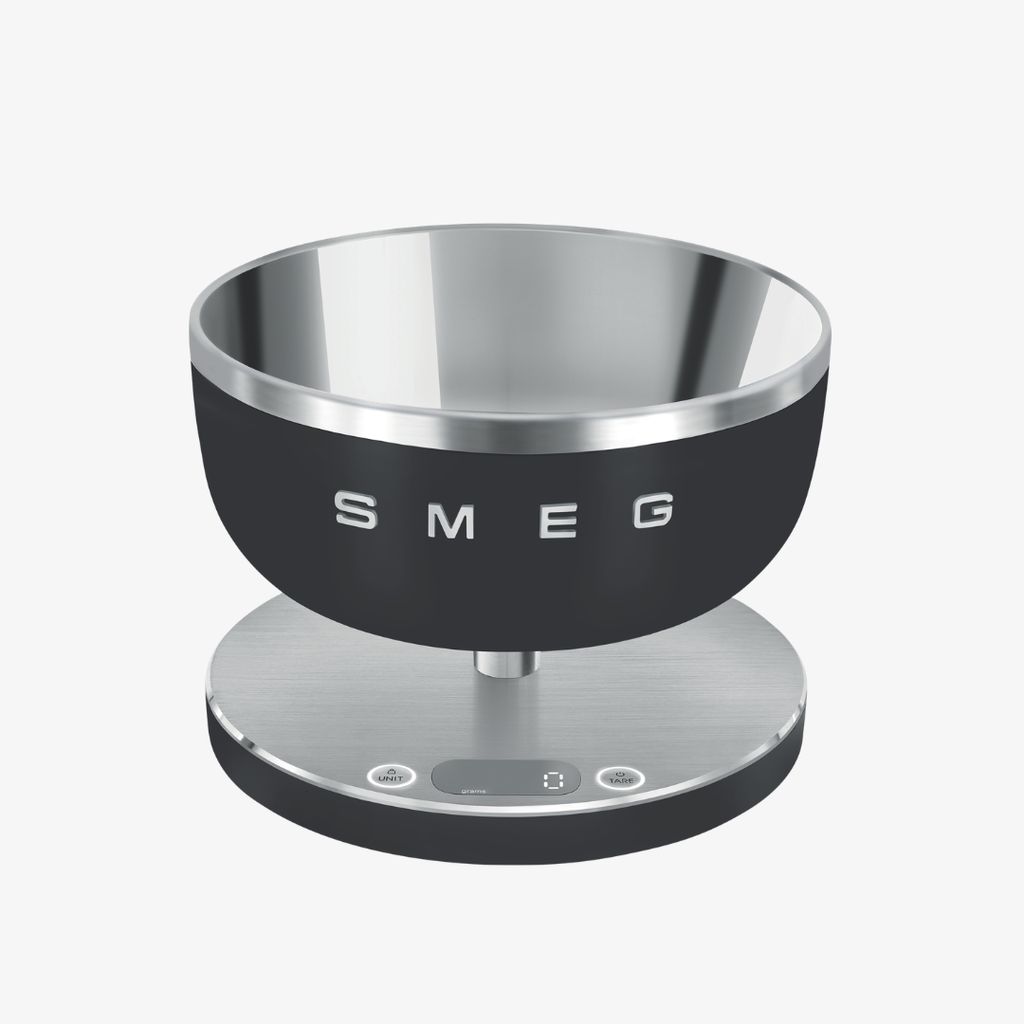
A cream/ink card beside an image, plus an optional product row underneath drawn from `source` — bestsellers here. splitFeature above is the same split without the card or the products.
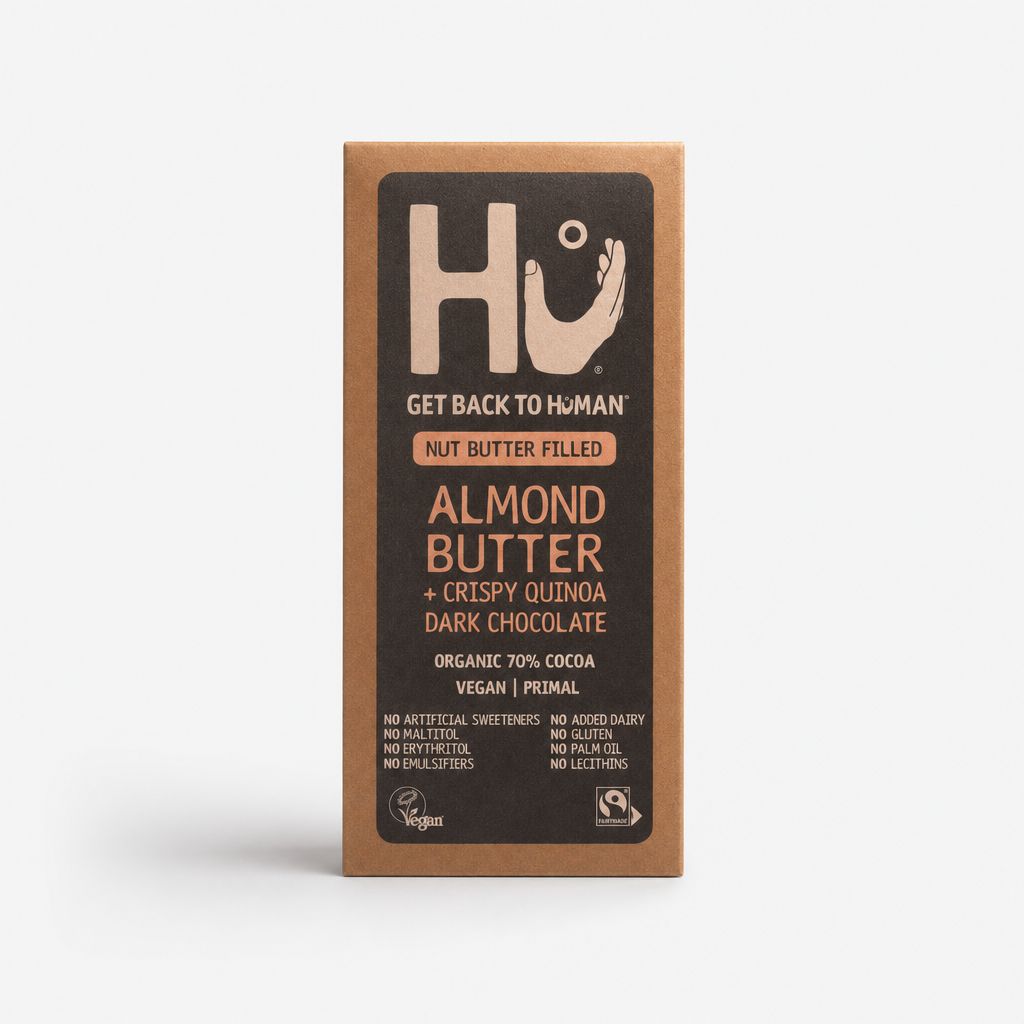
5,956 results





healf.bloods
healfZonePromo — a fixed-shape Healf Zone band
Healf's rapid growth continues.
Read more_Madeline_Spanier_Photos_ID7424.jpg)
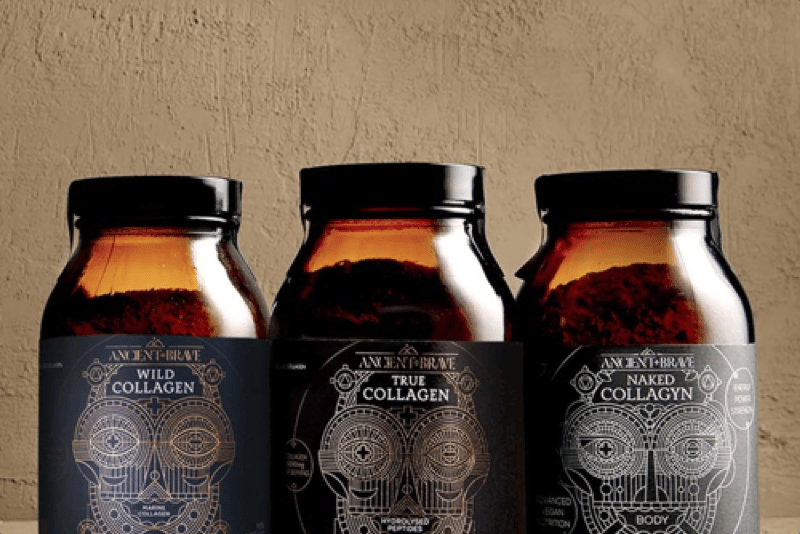
Marine or bovine? Type I or Type III? We asked Ancient + Brave to separate the collagen evidence from the noise — plus the numbers from their independent 12-week trial.
Read more
From vitamin D to AMH, fertility testing throws a lot of numbers at you. Here's why an at-home blood test, plus daily data from your WHOOP, can tell you more than either one alone.
Read moreScrollable link pills with chevron nav that only appears once the row actually overflows. Each pill can carry an href.
The same block as decoration: two auto-scrolling, edge-faded rows, centred title and intro. Hrefs are ignored here — the /pages/curation ingredients band is this variant.
Collapsible rows with Lexical bodies, so an answer can hold links and lists. `full` instead spans the band, which is what the Help Centre FAQ uses.
Narrow keeps a reading column, which suits a short FAQ beside other content. Full spans the band for a long, standalone list.
This block's questions are authored in the page. faqList (below) renders the shared Help Centre FAQ collection instead, so answers live in one place and stay market-gated.
Block reference
The Help Centre tabs and accordion over the shared faqs collection. Leaving categories empty shows every tab, which is the usual choice; naming some limits it, and a chosen tab with no questions in the visitor's market is dropped rather than shown empty.
When you receive your tracking link via email, you can update your delivery preferences on the courier's website.
For international deliveries, if you miss your scheduled delivery, the courier will notify you whether a further delivery attempt will be made or if your order will be available for collection at a specific pickup location.
We are proud to deliver to most countries worldwide. The only exceptions at the moment are Spain and Ukraine, as we refine our delivery options to ensure a smooth and reliable service. Aside from these exceptions, we are committed to getting your order to you smoothly and promptly.
We offer a range of delivery options, including:
Free standard delivery to the United Kingdom:Enjoy free standard shipping in the UK on orders over £50. Subscribers also receive free shipping on all subscription orders within the United Kingdom (please note this does not apply to international subscribers).
Standard delivery to the UK:For orders under £50, we offer standard delivery to the United Kingdom for £3.99.
Next day delivery:We offer next day delivery for £5.99. Please note that orders must be placed by 12 noon to receive your order the next working day.
International deliveries:We are proud to offer international shipping for all our products. For deliveries to Europe, the standard shipping cost is £22.99. For the rest of the world, our standard shipping cost is £49.95.
We partner with the leading couriers in each EU country we deliver to, so your order arrives quickly and safely. Orders generally arrive within:
• 1–3 working days with Standard Delivery — free on all orders
• Orders placed before 12:00 are dispatched the same working day
Your order ships from within the EU, so no customs charges apply.
When you receive your tracking link via email, you can update your delivery preferences on the courier's website.
For international deliveries, if you miss your scheduled delivery, the courier will notify you whether a further delivery attempt will be made or if your order will be available for collection at a specific pickup location.
The deadline for our next working day delivery service is 12 noon on the day of the order. If you want to receive your order on Thursday, for example, it must be placed and paid for by Wednesday before 12 noon.
Please note that this service is only available for deliveries within the United Kingdom. Additionally, there is no next day delivery service on Sundays or public holidays. For example, orders placed before 12 noon on Saturday will be delivered by Monday, as Royal Mail does not offer a standard next day delivery service on Sundays.
We recommend checking your tracking number to see where your order is in the delivery process. If your delivery is taking longer than the recommended times for standard, next working day, and international deliveries, please contact our Customer Wellbeing Team at team@healf.com for assistance.
We are truly sorry if any items in your order arrived damaged.
If this happens, please contact our Customer Wellbeing Team via email at team@healf.com within 48 hours of receiving your order, providing a photo and details of the issue.
We will take care of it and work to resolve it as quickly as possible.
Due to the different customs regulations in each country, we are unfortunately unable to provide a definitive timeframe for how long it will take for your order to clear customs.
Typically, customs takes one day to process items; however, in some cases, this may take up to two weeks.
Please be on the lookout for contact from customs authorities, as they may require action from you to release your order.
If you order from abroad, your delivery may be subject to customs fees. These fees are determined by your country's import regulations and are beyond our control. To receive your order, you must cover any applicable customs fees directly.
Please note that some products include VAT, which also applies to international orders, even if customs fees are paid separately.
We recommend checking with your local customs office if you are unsure.
If you need to change your delivery address, please contact our Customer Care team as soon as possible at team@healf.com We will do everything we can to update your details before your order is dispatched.
Please note that we work quickly to prepare orders, so it is possible that your order has already been prepared for dispatch from our warehouse to the originally entered address. However, you can use the tracking link we send you to 'update your delivery options'. This allows you to choose from convenient alternatives, such as redirecting your package to a nearby pickup point, making it easier for you to receive your order.
If these options do not meet your needs, please contact us. We will do our best to help you find a solution.
We are pleased to offer both bulk purchases and wholesale partnerships.
If you are interested, please contact our Customer Wellbeing team at team@healf.com with the details of your inquiry.
To place an order, simply browse our range of wellness products or use our search bar to find the specific items you are looking for.
On each product page, choose whether you want to make a one-time purchase or subscribe for savings, then click 'Add to Cart'.
When you are ready to check out, enter your delivery information and payment details as required, and follow the instructions to complete your purchase.
You will then receive an email confirmation of your order, along with tracking information as soon as it is available.
Within the 30-minute amend window you can add items or change quantities from the order page. After that we've usually started packing and can't make changes.
We aim to make payment as convenient as possible, which is why we accept a variety of payment methods, including:
You can select your preferred payment methods in the final step of the checkout process, after you have chosen your shipping method.
If you are unsure which payment method to use or have any further questions, please contact our Customer Wellbeing Team via email at team@healf.com for assistance.
No paper receipts — we keep packaging minimal. Your invoice is emailed to you and always available in your account.
For discount codes, please enter the code in the designated field during the checkout process before you pay for your order.
If a discount code has not been applied to your order, please check the following:
If the issue persists beyond the above advice, please contact our Customer Wellbeing team via email at team@healf.com for assistance.
We offer both one-time purchases and a subscription service.
Before adding your product to the cart, please select your preferred purchase option. This is available above the 'Add to Cart' button on each product page.
We have regular offers on our site every month. To stay updated on our latest deals and new products, you can subscribe to our newsletter here, where you'll be the first to know.
When you subscribe, you'll also receive a 10% discount on your next order.
We are pleased to offer both bulk purchases and wholesale partnerships.
If you are interested, please contact our Customer Wellbeing team at team@healf.com with the details of your inquiry.
To cancel or edit your order, please send an email to our Customer Wellbeing Team at team@healf.com as soon as possible. We will do everything we can to help, although orders are processed quickly to ensure prompt delivery.
No, we do not include delivery notes, invoices, or shipping notifications in our packages — so if you order a gift, no order information will be visible.
A pre-order allows you to reserve a product before it becomes available, ensuring that it is set aside for you as soon as stock arrives. Pre-orders are often offered for high-demand items that sell out quickly.
If your order contains both in-stock and pre-ordered products, the in-stock items will be shipped immediately and usually arrive within 2–3 working days. The pre-ordered item will be shipped separately as soon as it is available, according to the estimated delivery date (ETA) displayed on the product page.
We take the quality of our service seriously and work hard to minimise situations like missing items. If your order does not meet this standard, we sincerely apologise for the inconvenience.
Please note that you were notified by email if you pre-ordered an item. Pre-ordered items may arrive separately from the rest of your order at a later date.
If you are missing an item and did not receive a pre-order notification, please contact our customer care team at team@healf.com who will assist you in resolving this as quickly as possible.
We offer key workers a 10% discount as a thank you for their important work.
Eligible roles are:
To receive your unique discount code for key workers, please visit this link: https://secure.gocertify.me/at/healf/key-worker.
Once verified, you will receive a permanent code that can be used on all eligible purchases.
Our Subscribe & Save is designed to effortlessly support your wellness routine.
It's flexible, easy, and adapts to you. If you need help, contact our customer wellness team via our contact form or by email team@healf.com
Go to Account → Subscriptions, open the subscription you want to cancel, and tap Cancel. You'll be offered the option to pause instead so you keep your subscriber discount. You can also cancel a single item from that item's menu.
Everything lives under Account → Subscriptions. Open a subscription to manage it — change frequency, skip or ship an order now, update your delivery address or payment, add items, pause, or cancel.
A later charge usually means the order had already entered fulfilment when you cancelled, or there is a second active subscription under a different email address. Open Account → Subscriptions to see what is still active — if anything looks wrong, contact our Customer Care team via our contact form or at team@healf.com.
If you cancelled after the order had already entered fulfilment, it may still ship. Get in touch as soon as possible and our Customer Care team will try to stop it, or arrange a return and refund once it arrives — via our contact form or at team@healf.com.
Open Account → Subscriptions: a cancelled subscription shows a Cancelled status and moves out of your active list, and you will get a confirmation email. If it still shows as active, it was not fully cancelled — try again or get in touch.
Yes. You can make changes up until your subscription locks for its next order, on your next shipment date. Your subscription summary shows that date and how many days you have left to make changes. Once an order is processing it can no longer be changed.
We offer free returns and exchanges within 365 days for items in their original packaging for all orders within the United Kingdom.
To be eligible for a return, your item must be in the same condition you received it and returned in its original packaging.
For consumable products and dietary supplements, items must be unopened and unused.
For technical products, accessories, and other equipment, returns are assessed on a case-by-case basis; however, the return must be made in the product's original packaging.
To initiate a return, please contact our Customer Wellbeing Team at team@healf.com.
We are pleased to offer exchanges for products that are unopened, unused, and in their original packaging.
To arrange an exchange, please contact our customer care team at team@healf.com.
We offer free returns for orders within the United Kingdom.
Once you have requested a return, we will direct you to our returns portal, where you can generate a QR code. You can show this QR code at your local post office to return your items to us free of charge.
Unfortunately, we cannot cover the costs of international returns. To minimise return costs for our customers outside the United Kingdom, we work with various courier services and offer a self-shipping option.
Once your return has been received and checked, we will send you an email to confirm that we have received your returned item. Your refund will be processed back to your original payment method shortly after this confirmation. Please note that this process usually takes7-14working days.
If your refund does not appear in your bank account within 14 working days of our confirmation email, please contact our Customer Wellbeing Team at team@healf.com.
We offer collection of returns via Royal Mail for customers in the United Kingdom. To use this service, please contact our customer care team at team@healf.com. who will provide you with a pre-paid return label. You need to print this label and attach it to your return package.
Then we can arrange a collection by Royal Mail at a time that suits you.
We are committed to providing exceptional customer service, and our Customer Wellbeing team is dedicated to ensuring that your experience with Healf is a positive one.
Please do not hesitate to contact us if you need assistance with questions not covered in our FAQs.
You can reach us at team@healf.com.
We are always open to feedback and appreciate customers who take the time to share their thoughts with us.
Your feedback is valuable to our commitment to excellence, so please don't hesitate to contact us with any suggestions or proposals.
You can reach us at team@healf.com.
Currently, we do not have a fully operational phone line, as we prioritise faster support via email and WhatsApp.
If you would prefer to speak with someone, we would be happy to arrange for a member of our Customer Wellbeing team to call you. Just contact our Customer Wellbeing team via email at team@healf.com and a member of our team will get in touch with you to assist.
For your convenience, we have a range of options for you to do this.
Every product at Healf goes through our Healf Curation Process. All products are reviewed by our discovery team, partner experts, and our community to ensure that our customers receive the best and most effective products on the market.
You can read more about this process here.
For your convenience, we have a range of options for you to do this.
We are always keen to share more about the ingredients in our carefully selected products. Below each product, you will find detailed information about the ingredient formula, as well as the intended purpose of the product and how to use it.
Every product at Healf goes through our rigorous Healf Curation Process. We take the time to review the ingredients of each product to ensure they meet our high standards for quality, effectiveness, and well-being. We regularly review our products to ensure we are always at the forefront of well-being.
If you have any further questions on these topics, you can contact our customer care team at team@healf.com.
We understand that the path to well-being is unique for everyone, and dietary needs or sensitivities can play a significant role. That's why each product page includes a clear list of ingredients to help you choose what's right for you.
If you have specific allergies or dietary concerns, please take a moment to review these details carefully. For personal advice, feel free to contact our customer care team at team@healf.com.
For your information, as we are not health professionals, we cannot provide specific medical advice. For more complex health issues, such as serious or persistent conditions, it is always best to consult your healthcare provider for personal guidance. Your well-being is important, and professional support helps you make the right choices for yourself.
We have categorised our products into 'EAT', 'MOVE', 'MIND', and 'SLEEP'. In each category, you will find a list of 'Best Sellers'
that includes the products most popular within the Healf community. If you're unsure where to start, this is a great way to see which
products are most loved by others in the Healf community.
Healf Zone takes the guesswork out of well-being by identifying the right products for your unique biology. It provides scientifically-backed, personalised recommendations designed to optimise your biomarkers, with supporting clinical studies linked directly in your dashboard. Your dashboard also tracks your biomarker trends over time and creates a tailored daily supplement routine to support your long-term health. What sets Healf Zone apart is how it brings everything together – advanced testing, a clear plan with the best well-being products in the world, and ongoing expert support – all in a seamless experience designed to evolve with you throughout your life.
Healf Zone is for anyone living in the United Kingdom, aged 18 or over, who wants to better understand their wellbeing. Please note that it is not suitable for individuals who are pregnant.
Healf Zone is a membership that includes two full check-ins per year: one in the month [[I18N_PH_NUMBER]] (as soon as you join or when your annual cycle renews) and another six months later. Each check-in includes a home blood test and a subsequent one-on-one consultation with one of our in-house practitioners. The kits are sent automatically – there is no need to reorder them. Your membership renews annually and can be cancelled at any time.
Yes — you can download a PDF of your results directly from your dashboard. Simply go to the account section (top right), select 'Results History', and click on 'Download Results'.
Our experts believe that every six months is the optimal frequency for blood tests. This timeframe allows you to track significant changes in your biomarkers and see the effects of adjustments on your wellness journey. Testing too frequently may not provide enough time for meaningful changes, while waiting longer than six months could mean missing important insights about your wellbeing that you should act upon.
Healf Zone is a 12-month membership that includes two blood tests and two consultations. As outlined in our Terms and Conditions, we cannot offer refunds during the membership period. You can cancel at any time, and your membership will simply not be renewed after the 12-month term.
We work withAlderley Lighthouse Labs, a UK-based laboratory chosen for its proven accuracy, reliability, and experience in conducting high-quality blood tests. Your sample will be processed securely and then safely disposed of by the laboratory in accordance with medical guidelines. You can learn more at alderleylighthouselabs.com/about.
Heart: Apolipoprotein B, Apolipoprotein A1, Apolipoprotein B:A1 ratio, Triglycerides, HbA1c, Total cholesterol, LDL, HDL, Non-HDL cholesterol, TC:HDL ratio
Inflammation: hs-CRP, Uric acid, Creatine kinase
Thyroid: TSH, Free thyroxine (FT4), Free triiodothyronine (FT3)
Nutrients: Serum magnesium, Zinc, Copper, Active vitamin B12, Vitamin D, Folic acid
Liver: Alanine aminotransferase, Alkaline phosphatase, Gamma-glutamyl transferase, Total protein, Albumin, Bilirubin
Iron: Iron, Ferritin, Total iron binding capacity
Kidneys: Blood urea nitrogen, Creatinine, eGFR
Hormones (for women only):Progesterone, Oestradiol, Luteinising hormone, Follicle-stimulating hormone
Hormones (for men only):Total testosterone, Free testosterone, SHBG
Your data is processed securely to provide a top-notch wellness experience.
Our suppliers operate under strict, ISO 27001-certified security standards, and we only share your data with trusted, accredited laboratories and, if you choose to book a consultation, with qualified health professionals. This is how we use your information to support you on your health journey:
For more information on data processing, please visit healf.com/pages/datenschutzrichtlinie.
While regular blood tests provide general reference ranges, our neurosymbolic AI has been trained on data from 500,000 patients to establish biomarker ranges that are personalised based on your age, gender, lifestyle, and the menstrual cycle phase for women.
Healf Zone is approved by the MHRA and works exclusively with laboratories regulated by the MHRA. We use the innovative Tasso+ device for clinical-quality blood sampling to ensure the highest accuracy and best comfort for home blood tests. Our approach is based on medical standards to provide trustworthy, reliable insights that you can act upon.
Yes — your membership automatically renews at the end of each year. With each test you take, Healf Zone learns more about your biology, making your plan smarter and more personalised over time. You can cancel at any time by sending us an email at zone@healf.com.
You should ideally take your test first thing in the morning on an empty stomach. During your fasting period, you can drink still water, but please avoid food, dietary supplements, tea, and coffee. If you are taking medication, continue as usual, but make sure to indicate this in your Healf Zone questionnaire so that our practitioners can accurately interpret your results.
Your home test kit will be dispatched to you with next-day delivery. Once you have taken your sample and returned it via the priority mailbox, your results and personalised dashboard are usually ready within 3 working days after your sample arrives at the laboratory.
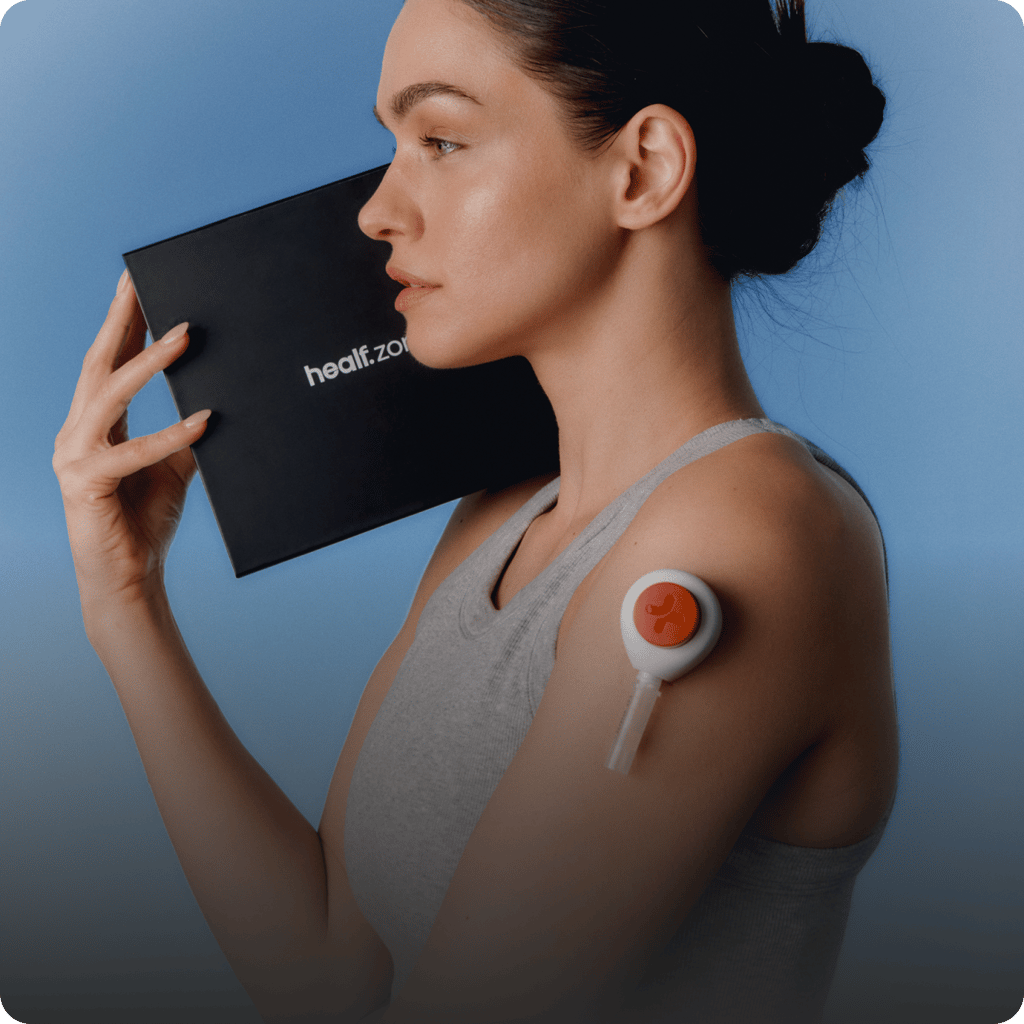
The Tasso+ is the blood collection device for home use, included in your Healf Zone Kit. It has been designed to be more comfortable than a traditional finger prick and uses a small lancet integrated into an adhesive patch that is placed on your upper arm. With the press of a button, it gently and efficiently collects blood into a sample tube – providing clinically high-quality sample collection for more accurate results, all conveniently from home.
To ensure accurate results, please follow these steps when preparing for your blood test:
For women:Try to take your sample on the 2nd or 3rd day of your menstrual cycle for the most accurate hormone insights. If this does not fall between Monday and Thursday, we recommend taking your test on the next working day.
You should ideally take your test first thing in the morning on an empty stomach. During your fasting period, you can drink still water, but pleaseavoid food, dietary supplements, tea, and coffee.If you are taking medication, continue as usual, but make sure to indicate this in your Healf Zone questionnaire so that our practitioners can accurately interpret your results.
Yes, certain medications and dietary supplements can affect your test results. That's why it's important to list everything you are taking accurately in your Healf Zone questionnaire. While dietary supplements usually have an effect over longer periods, both can influence your biomarkers — and your data will be considered in this context.
Your Healf Zone consultation is a 20-minute video call with one of our practitioners — all of whom are qualified nutritionists and wellness coaches. These sessions are designed to help you understand your results and further adjust your plan by focusing on nutrition and lifestyle support. Please ensure that you cancel in advance if you can no longer attend, as our practitioners take time and prepare carefully for each consultation.
The in-page shipment timeline. Every visible string is an override on the block (loginLabel, searchPlaceholder, emptyText, notFoundText) so the copy can be tuned per market without touching code. Which Wonderment account it queries is a market fact, not a block setting.
Block reference
Thin by design: the CMS owns the lead-in copy, the form's own field labels come from Reviewee, and the submission target is wired in code. Nothing here to misconfigure.
The submit-your-brand form. Note the theme setting styles the PANEL, because the background image sets the band's contrast — a background-less brand form also declines the LCP slot for the same reason.
`attachments` toggles the file field. The labels group holds optional per-locale overrides for placeholders, buttons and result messages; each falls back to Reviewee, then to a built-in default.
logoMarquee — label beside an auto-scrolling logo strip
Above: logoMarquee — the press strip from /pages/about-us. Each logo's accessible name is its media alt text, so there's no per-row label field. SVGs render as plain images rather than through the transform pipeline, which does nothing for vector art.
Scroll-driven



Above: scrollSequence — a pinned frame sequence. `markerStyle: dial` draws a clock whose numerals stay upright while the rim turns, and it only appears when EVERY frame's marker parses as a time; anything else falls back to plain progress segments. Markers are rarely evenly spaced, so the dial emits one keyframe stop per frame rather than tweening end to end — a single tween would read 15:00 while frame two says 18:00. `revealOnEntry` opens the stage from an inset card; the stage keeps a margin and a 24px radius throughout, matching live.
pillarStepper — labels that hand over as you scroll
Each step's copy fades in as its label reaches the centre. The band is short on purpose — live's is 324px, about 0.41vh — which is why this is its own block rather than a scrollSequence variant.
Consecutive steps never overlap: the copy fades out over the last fraction of its slice and the next fades in over the first, so no two are ever printed on top of each other.
Zero JavaScript. The whole thing is `animation-timeline` on a shared ancestor, which is why both columns can be driven by one timeline.
Any number of steps works; the keyframes are generated from the count.
arcCarousel — sweep: 80
Above: arcCarousel — the same circle mechanic as the dial, WITHOUT the counter-rotation, which is the entire visual difference: the cards look hand-tilted but each just sits on the rim at `index x angleStep`. `sweep` is how far the rim turns across the pinned scroll. Products come from the shared picker (hand-picked SKUs win) or a collection, resolved through the same path as productGrid; hand-authored cards are the fallback so the rim can carry brands or editorial instead.
Above: productTabs — several named sets, shopper's choice. Not a productGrid variant: a productGrid shows one set, so the tab labels here are translated CONTENT rather than a layout option. A tab whose products don't resolve is dropped rather than rendered as a dead label, and a single surviving tab renders as a plain grid with no strip — which is what you are looking at if only one tab appears. `<product-tabs>` only toggles visibility and ARIA state; it never fetches.
Above: videoWall — one markup, two layouts: a grid on desktop and a scroll-snap row on narrow screens, rather than legacy's second carousel component below the breakpoint. `<video-wall>` is the only script and it animates nothing — it plays a video only while it is on screen and allows at most one unmuted at a time. As everywhere else, a phone gets `mobileUrl` or the poster alone, never the desktop encode.
That's every block. If a block is missing from this page, it's missing from seed-sink-page.ts — add it there and re-run.